Best free AI tools in 2026: 7 useful options and their limits
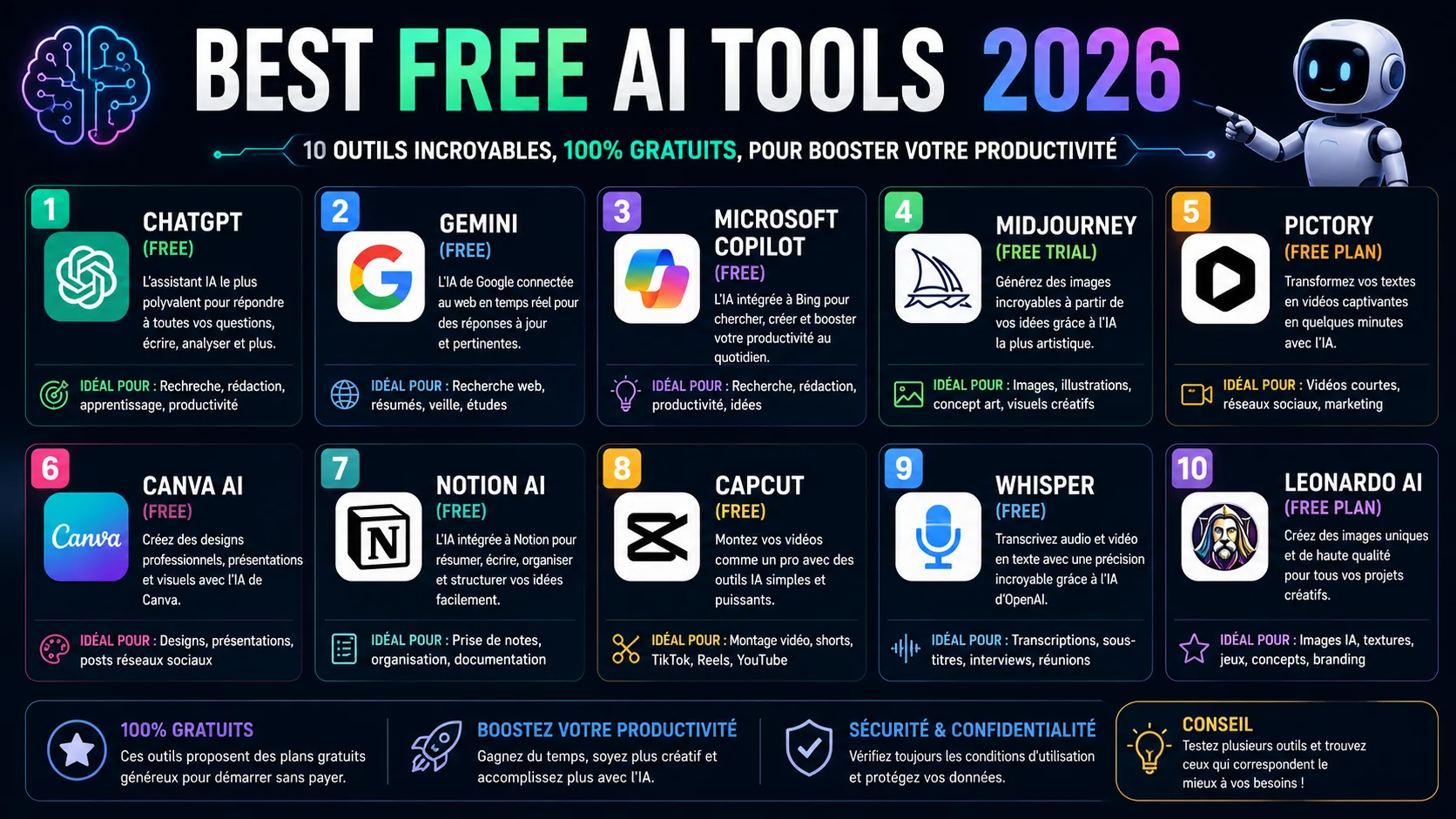
“Free AI” usually means a useful entry tier with variable limits—not unlimited computing. The best choice depends on the task: broad assistance, source-grounded research, coding, local privacy or creative media. This list prioritises products with an official free path and enough practical value to test before paying.
Pricing and quotas change quickly. Check the linked first-party page before building a critical workflow around any free allowance.
1. ChatGPT: best general starting point
OpenAI lists a $0 Free plan with access to core chat features and limited access to more compute-intensive capabilities. It is useful for drafting, explanations, web-assisted questions, files and images, subject to plan limits.
Best for: a versatile first assistant. Watch for: rate limits and confident factual errors. Never paste passwords, private client data or unpublished business information without understanding your account's data controls.
2. Claude: best for careful writing and long documents
Anthropic's free plan covers web, mobile and desktop chat, text and image analysis, writing, coding and web search, with usage limits. Claude is especially comfortable when you ask it to preserve tone or reason across a substantial document.
Best for: editing and structured analysis. Watch for: message limits that vary with demand and context size.
3. Gemini: best inside Google's ecosystem
Google provides standard access without a paid AI plan, with limits based on feature and computing demand. It connects naturally to Google products where supported. Google's help documentation notes that limits may change and can refresh on different schedules.
Best for: people already working in Google services. Watch for: feature and regional variation. Verify which workspace data a connection can access before enabling it.
4. NotebookLM: best for your own source pack
NotebookLM answers from sources you provide and displays citations back to them. That makes it more suitable than an open-ended chatbot for studying a report collection, comparing meeting notes or preparing questions from course material.
Best for: source-grounded synthesis. Watch for: a poor source pack produces a poor notebook. A citation proves where a statement came from, not that the original statement is true.
5. Perplexity: best for quick web discovery
Perplexity combines a conversational interface with web citations and offers a standard free experience. It is useful for finding candidate sources quickly.
Best for: research orientation. Watch for: citation mismatch. Open the cited page and confirm it supports the exact sentence; never treat the generated summary as the source itself.
6. Hugging Face Spaces: best for experiments
Hugging Face hosts public demonstrations of many open models. You can test image, audio, language and computer-vision tools without configuring a local environment.
Best for: exploring the open-source ecosystem. Watch for: Spaces are published by different creators, may go offline and may process uploaded data under different terms. Do not upload sensitive material to an unknown demo.
7. Ollama: best for local experimentation
Ollama runs supported open models on your own computer. The software can be used without a subscription, although you supply the hardware, electricity and storage. Local execution can improve privacy, but it does not automatically make every integration private.
Best for: technical users who want local control. Watch for: model licences, hardware requirements and any external tools or cloud endpoints you connect.
A simple test before choosing
Give two tools the same three tasks: summarise a document with citations, rewrite a paragraph without changing facts, and solve a problem you can independently check. Record accuracy, time, limit interruptions and how easy it is to delete the data. The “best” tool is the one that performs your repeated task reliably—not the one with the longest feature list.
Free plans are ideal for learning, but business use needs a second check: terms, retention, access control, availability and accountability. If an output affects money, rights, health or safety, require human review. Our analysis of jobs exposed to AI by 2030 explains why supervision is becoming a core skill, while AI versus humans shows where each side currently has an advantage. None of these tools generate video — for that, see our Sora vs Veo status check before you subscribe to anything claiming "official Sora access."
✔ How we checked this
We checked first-party pricing or product pages on 18 July 2026. Free quotas and feature availability change frequently and can vary by region, account and demand.
Sources
- ChatGPT pricing — OpenAI
- Claude pricing — Anthropic
- Gemini Apps limits and upgrades — Google
- NotebookLM — Google
- Perplexity plans — Perplexity